AI assistants write code fast. That's the easy part. The hard part is making sure their output actually ships: it doesn't break existing behavior, doesn't drift from project conventions, and doesn't quietly introduce regressions that surface three deploys later.
I've spent the past several months building a QA workflow that treats AI-assisted code with the same rigor I'd apply to any contributor's work. This article walks through the specific tools, patterns, and automation I use to keep quality high when multiple AI agents are touching the same codebase.
Engineering Discipline as Project Configuration
The biggest productivity lever isn't how you talk to an AI assistant in the moment. It's what the assistant already knows before the conversation starts.
I maintain a layered set of project rules that every AI session inherits automatically. At the global level, a delegation protocol defines how work gets structured: state the specific technical approach before writing code (not just the desired outcome), produce a written diagnosis before fixing any bug, size each task to produce a shippable increment within the session, and run a quality gate before committing. At the project level, a CLAUDE.md file encodes architectural decisions, CSS conventions, test execution rules, and the dual-repo workflow.
I treat this as configuration rather than ad hoc prompting. The rules are checked into the project alongside the code they govern, and they persist across sessions, tools, and contributors, human or AI. When I start a new Claude Code session on a branch I haven't touched in a week, the assistant already knows that bun is the runtime, that Playwright tests run in batches rather than one bulk run, that CSS gradients live in _gradients.css and nowhere else, and that transition: all is banned.
The practical difference is significant. Instead of restating project conventions in every conversation, I invest that effort once into the configuration files and then benefit from it indefinitely. When the rules need to change (say we adopt a new test naming convention), I update the configuration, not my prompting habits.
A few principles guide how I write these rules:
- I write spec constraints, not outcomes. "Use
margin-left: autoon.navinside a flex parent" is enforceable. "Right-align the nav" can produce different implementations across sessions. - For bugs, diagnosis comes first. The rule requires a ranked hypothesis list before any code changes, which reduces wrong-root-cause fixes.
- Evidence beats adjectives. "WCAG AA requires 4.5:1 contrast ratio" is verifiable. "Make it more readable" is not.
I also keep exit criteria explicit: "Done when the Playwright accessibility spec passes on Desktop Chrome and Mobile Safari" removes ambiguity about when to stop iterating.
The result is that most of my interactions with AI assistants are short and surgical. The long conversations are the ones where I'm updating the rules themselves, and those pay dividends across every future session.
Version Control as a Safety Net
When AI assistants are generating multi-file changes, version control discipline becomes non-negotiable. I commit in small, scoped batches (one logical change per commit) with conventional commit messages that make git log --oneline useful six months later.
The dual-repo structure of this project (root repo for functions, tests, and config; public/ as its own repo for static assets) forces me to be explicit about what changed where. That friction is actually helpful. It prevents the "commit everything and sort it out later" pattern that makes rollbacks painful.
Branch hygiene matters more with AI-assisted development, not less. When an assistant refactors a CSS file, I want that isolated on a feature branch where I can review the diff, run targeted tests, and merge with confidence, not mixed into an unrelated feature commit.
Test Coverage That Actually Catches Things
This project currently runs 46 Playwright spec files across three browser projects: Desktop Chrome, Desktop Firefox, and Mobile Safari. That sounds like a lot of tests, and it is. But the quantity isn't the point. The structure is.
I organize tests by concern, not by page. There are specs for navigation consistency across every page, CSS regression contracts for gradient tokens and animation timing, accessibility scans using axe-core on 12 different pages, responsive scaling assertions for breakpoints from 320px through 4K, and API endpoint validation for the chat backend.
The test that catches the most regressions isn't the biggest or most sophisticated. It's the one that checks whether every page's navigation renders at the same pixel position. When an assistant changes a padding value in one CSS file, that test lights up immediately.
Canary Tests: Fast Feedback Before the Full Suite
Running 46 spec files across 3 browser projects takes time. When I'm iterating quickly with an AI assistant, I don't want to wait for the full suite after every change.
That's where canary tests come in. I have 18 sentinel tests in a single spec file that sample every area of the site: landing page rendering, blog card counts, AI Lab hub layout, chat UI controls, navigation alignment, accessibility basics, API health, and SEO asset presence.
bun run test:canaryIf all 18 pass, I haven't broken anything obvious and can keep moving. If one fails, I know exactly which area to investigate before running the full suite. The canary run completes in a fraction of the time, which means I actually run it. That's the real value.

Batched Test Execution: Dot-and-F Output
When I do need the full suite, I don't run all 46 spec files in a single Playwright invocation. That approach creates resource pressure, orphaned browser processes, and output so long it's useless for quick assessment.
Instead, I use a batched runner that groups spec files into 14 sequential batches by area:
bun run test:batchedEach batch runs with Playwright's dot reporter and produces a single compact summary line:
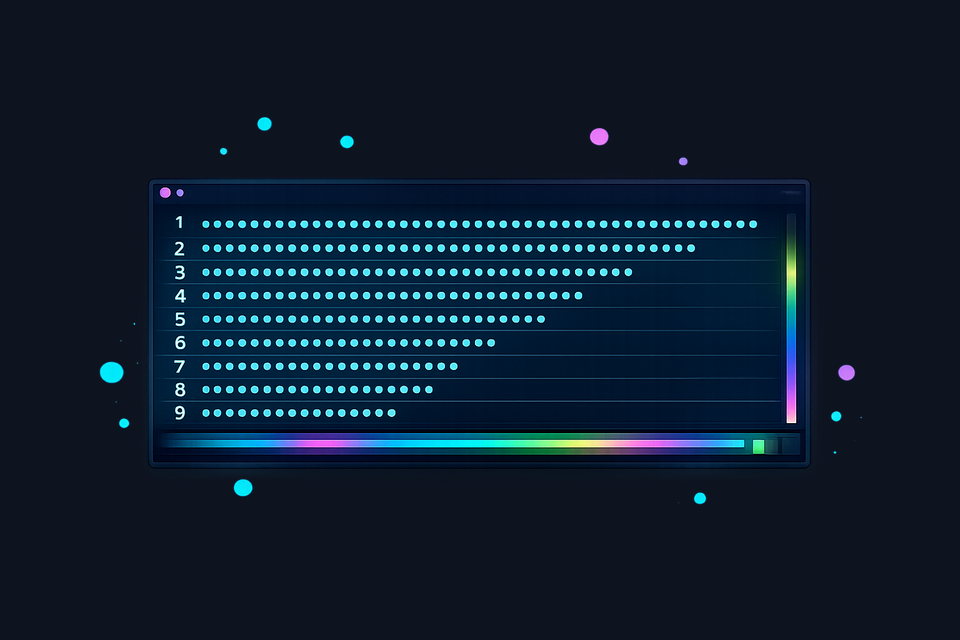
canary             ..................  ok   (12s)
landing+hire-me    ...............     ok   (18s)
ai-lab-core        ..........FF..     FAIL (25s)
The dot-and-F format gives me at-a-glance pass/fail across the entire suite without scrolling through verbose output. A dot means pass, an F means failure, and I can immediately see which batch needs attention.
There's also a canary-gated mode (bun run test:batched:canary) that runs the canary batch first and exits early if everything passes, useful when I'm confident a change is low-risk and want fast confirmation.
Claude Code: Skills, Rules, and Institutional Memory
Claude Code's value for QA goes deeper than code generation. It's the system I use to encode how this project works: what to build, how to build it, how to test it, and when to stop and think before acting.
The skill system turns recurring workflows into reusable commands. I have ten skills covering the development lifecycle: build, dev server, testing, dependency management, formatting, type checking, cleanup, diagnostics, audit, and plan execution. The last three are the ones that matter most for quality.
The /diagnose skill enforces hypothesis-driven debugging. When something breaks, the skill requires a written ranked hypothesis list, three candidates from most to least likely, before any code changes happen. This prevents the most expensive AI failure mode: confidently applying a fix to the wrong root cause, then spending the next hour unwinding cascading side effects.
The /audit skill is the quality gate I run before committing significant changes. It reviews recent changes against project standards: CSS architecture compliance, accessibility patterns, security considerations, test coverage. Skipping it is the exception, not the norm.
The /implement-plan skill picks up an existing plan document and executes it phase by phase. In that workflow, each phase is verified and committed before moving on. This prevents another common failure mode: an AI assistant that re-analyzes the entire codebase every time you resume work on a feature, producing a new plan that subtly diverges from the one you already approved.
But skills are just the command layer. The real institutional memory lives in the project's CLAUDE.md file: a structured document that encodes architectural decisions, CSS conventions, test execution rules, the dual-repo workflow, API resilience patterns, and the delegation protocol itself. When I start a new session on any branch, the assistant inherits all of this context automatically. No re-explaining that bun is the runtime, no reminding it about the CSS import chain, no restating that tests run in batches.
Used together, skills and project rules create the same kind of consistency teams usually enforce through onboarding docs and code review, but with less session-to-session drift.
GitHub Copilot in VS Code: IDE-Native AI for This Project
GitHub Copilot is where most of the IDE-integrated AI work on this project happens. In Visual Studio Code, I typically use a Claude-family model for planning and heavier reasoning, then switch to Codex-family models for fast implementation passes. That split maps well to real tasks: architecture and dependency analysis first, then rapid edits on known patterns.
The practical QA value is the tight loop inside the editor. I can move from failing test output to file search to patching in one place without context switching. For responsive layout work where I'm checking computed styles, comparing breakpoint behavior, and validating accessibility attributes, that density matters.
Codex as an Equal Development Partner
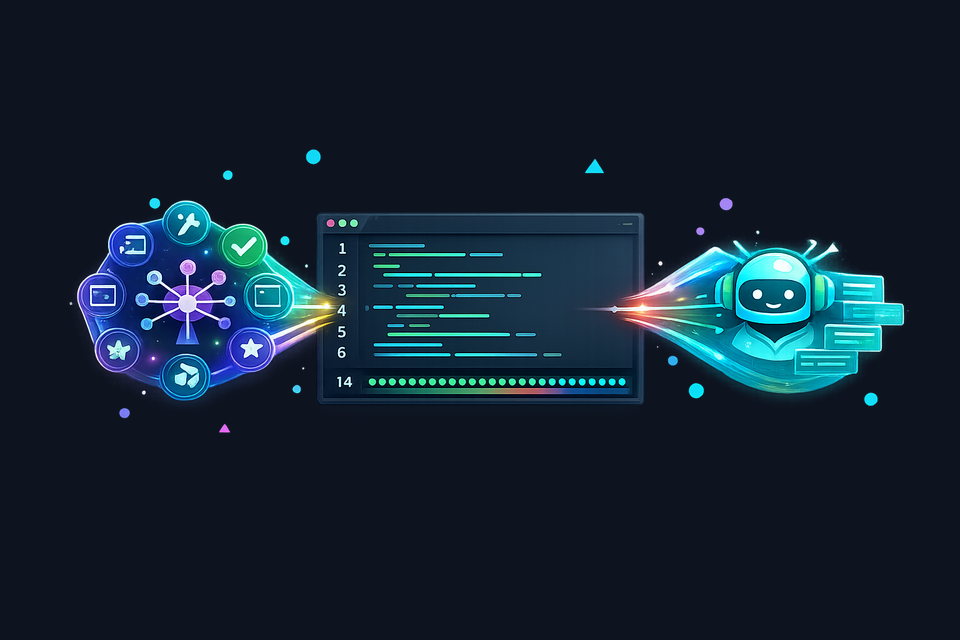
Codex isn't an assistant I occasionally delegate to. It's a co-developer that ships production code on this project daily. It handles the staging audit that caught four test issues across 46 spec files, applies responsive CSS fixes that pass the full suite on the first run, and commits with conventional messages scoped to the right repo. When the conventions are encoded in AGENTS.md, Codex operates inside them reliably.
What makes this partnership productive is how naturally Codex handles the full implementation cycle. A typical handoff isn't "fix this bug." It's "diagnose the rate-limit test flake, verify the fix with curl against both emulator ports, update the test, run the canary suite, then commit." Codex executes that entire sequence autonomously: it reads the function source to understand IP hashing, runs diagnostic curl loops, identifies the root cause (PID-only seeding causing cross-run collisions), applies the fix, and verifies it end-to-end before committing. That's collaboration through delegation to a developer who excels in a terminal.
The planning-to-implementation handoff is smooth when the plan names exact files, commands, and acceptance checks. Friction shows up when plan language is broad ("tighten this section" or "make this cleaner") because the model has to infer tone and boundaries that were never explicit. The pattern that works is detailed planning, narrow implementation scopes, and frequent verification: the same discipline that makes any engineering partnership productive.
Amazon Q Developer: Enterprise QA at Scale
Amazon Q Developer occupies a different role in my workflow. I use it in my enterprise QA automation work in Visual Studio Professional, where the context is government-scale test infrastructure rather than a personal project. The specifics of that work are proprietary, but the patterns are worth discussing at a general level.
Q Developer's value in an enterprise setting is in its governance layer. Rules, profiles, and organizational customizations let teams define coding standards that are enforced during code generation, not discovered during review. For large QA automation codebases where consistency across contributors matters as much as correctness, that enforcement-at-generation approach reduces the review burden significantly.
Q's customization and tooling organization pattern differs from Copilot's model. It's designed around enterprise team structures rather than individual developer workflows. The profile system supports switching between project contexts cleanly, and the rules framework can encode team-specific conventions that persist across sessions and contributors.
I mention Q here not because it touches this project's codebase (it doesn't) but because the discipline of working with enterprise-grade AI governance tools informs how I think about quality everywhere. The habit of encoding standards as machine-readable rules rather than tribal knowledge is transferable regardless of which IDE or assistant you're using.
The Architect and the Builder: Plan-Then-Implement
The single biggest QA improvement in my workflow is separating planning from implementation as distinct operational modes with different capabilities.
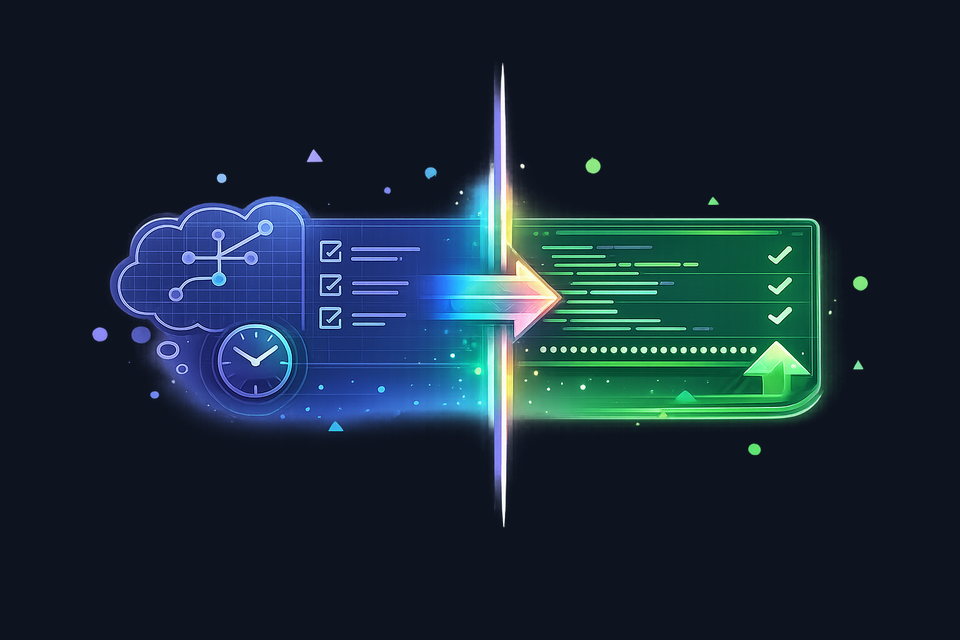
Claude Code's /model opusplan configuration enables a structured plan-then-implement pattern. In my workflow, planning is a non-mutating phase: explore the codebase, search for patterns, read files, and reason through dependencies before touching implementation files. The output is a plan document: a concrete, reviewable artifact that specifies which files will change, what approach will be taken, what risks exist, and how to verify the result.
That plan document is the QA checkpoint. Before a single line of code changes, I can read the plan and catch the problems that cause regressions: the CSS cascade effect of changing a shared variable, the test that depends on a specific DOM structure, the other page that imports the same component. The plan makes those dependencies visible before any files are touched.
Once I approve the plan, implementation begins, often with a different model optimized for fast, focused code generation. The implementing model receives the plan as its specification and executes it step by step, following the /implement-plan workflow of phase-level verification and commits.
This separation works because planning and implementation require different strengths. Planning needs broad codebase awareness, careful reasoning about side effects, and the patience to explore before proposing. Implementation needs speed, precision, and the discipline to follow a spec without scope creep. Using the right tool for each phase produces better results than asking one model to do both simultaneously.
The extended thinking feature makes the planning phase transparent: I can see which files the model considered, what tradeoffs it identified, and why it chose one approach over another. That visibility turns plan review from a rubber stamp into a genuine quality gate. I've caught architectural mistakes in plans that would have cost hours to unwind if they'd gone straight to implementation.
Putting It All Together
None of these tools work in isolation. The QA workflow that actually keeps this project shippable is the combination:
- Encode discipline as configuration: CLAUDE.md rules, delegation protocol, project conventions
- Plan before implementing: non-mutating exploration, reviewable plan document, then focused execution
- Commit in small scopes: one logical change, conventional message
- Run canary after every change: 18 tests, fast feedback
- Run full batched suite before merge: 14 batches, dot-and-F assessment
- Use IDE integration where it fits: Copilot for tight feedback loops, Q for enterprise governance
- Enforce quality gates with skills:
/diagnosebefore fixing,/auditbefore committing,/implement-planfor plan execution
The insight that took me longest to learn: AI-assisted development doesn't need less QA. It needs more, but it also gives you better tools to automate it. The same technology that generates code quickly can also validate it quickly, if you invest in the infrastructure.
Quality isn't something you add at the end. It's the workflow itself.